Help
What is this?
This is a Learn By Doing puzzle built for the Software Delivery Community at Opencast Software.
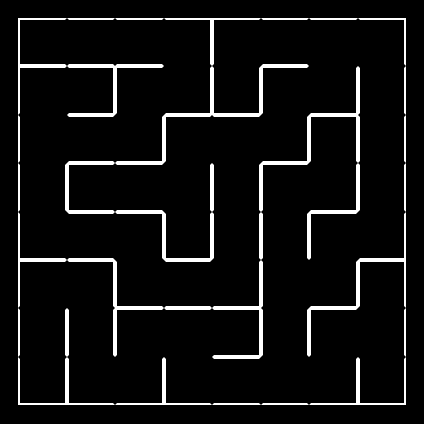
The puzzle is a randomly generated maze, where the top-down view of the maze is hidden from the user.
A user solving the maze can connect to their maze via websockets, to programatically solve the maze while watching their progress in real time.
How do I play?
From the Home page, click the NEW GAME link, this will take you to your randomly generated game.
There are three difficulties: small, medium, and large; increasing the difficulty increases the size of the maze. The maze shown is a SMALL difficulty maze.
The ID for your maze is shown in the URL, this is the code that can be used to resume solving a maze, or to join via websockets in an in-code solver.
The maze and the text shown at each location are randomly generated and unique to your maze ID.
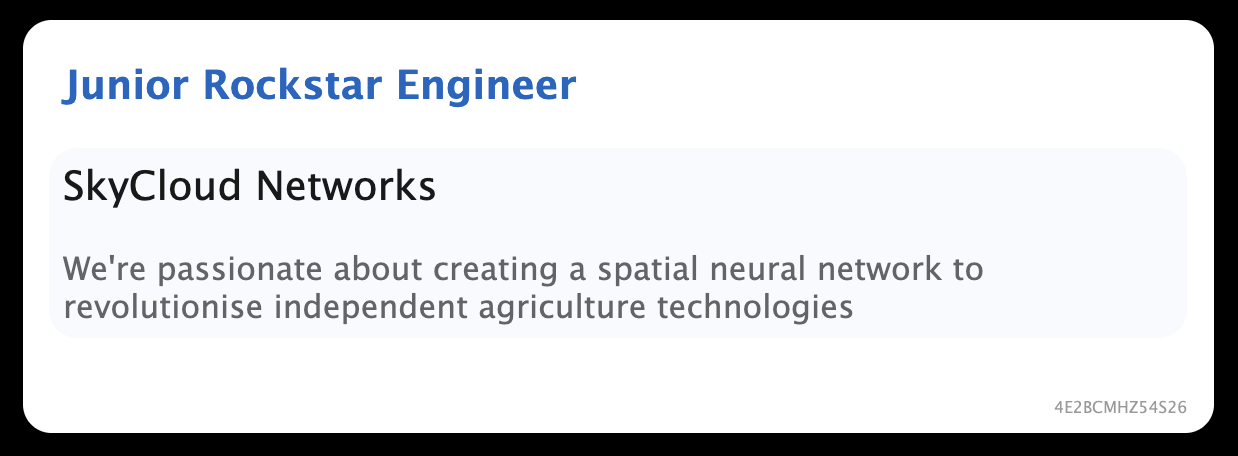
Each location in the maze shows a job title, a startup company name, and a buzzword-filled description of the role. There is also an ID for the current location in the maze, although this is more useful when solving with code.
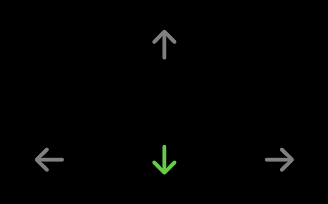
The arrows shown below the job advert allow you to interact with the maze, and are a visual guide to which directions you can go from your current location.
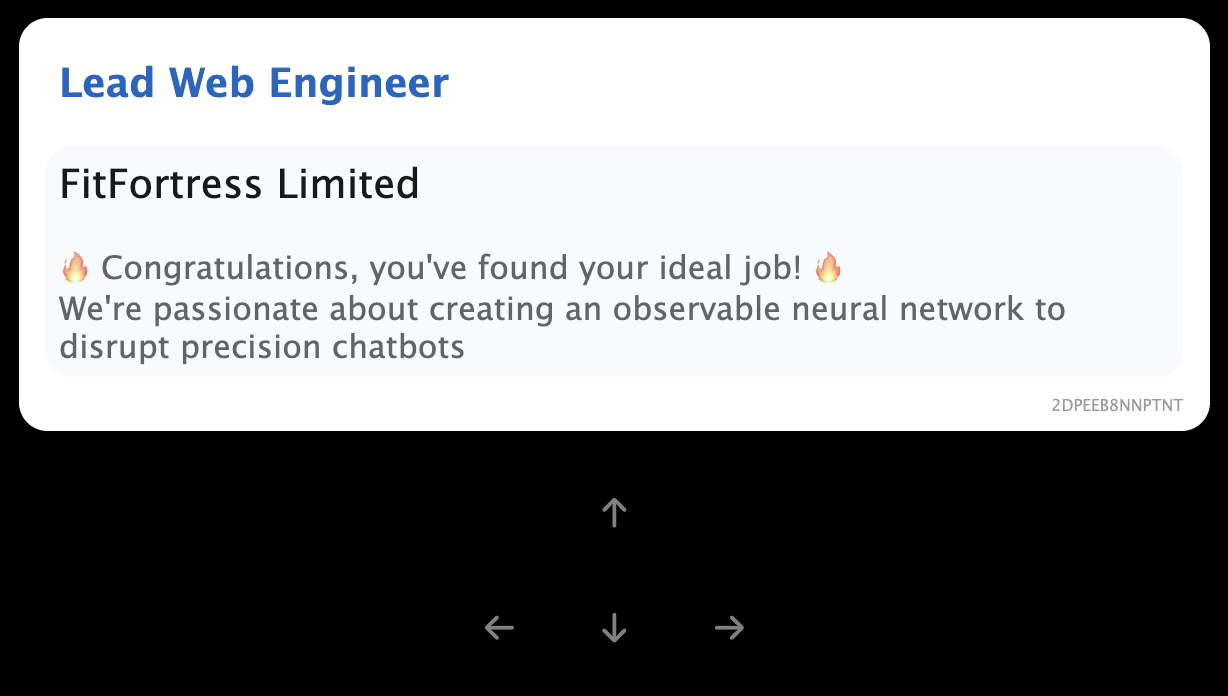
Each maze has one solution, with no loops. When you get to the end of the maze, the text Congratulations, you've found your ideal job! will be shown, and no direction arrows will not be clickable.
You can reset the game back to the start of the maze at any time by clicking RESET in the top left corner.
How do I solve it?
Once you've created a new game, copy the 13 character maze ID from the URL. E.g. https://maze.robanderson.dev/maze/{MAZE_ID}
Connect to the websocket api at wss://maze.robanderson.dev/ws/{MAZE_ID}. The cli tool Websocket cat can allow you to see how this works in the command line.
Once connected, you'll receive a message with the information about your current location in the maze.
E.g.
{
    "id":"4CQKXR6SWSFTE",
    "name":"SynapseWorks",
    "title":"Lead Web Developer",
    "description":"We're passionate about creating a spatial journey to revitalise B2B smart lightbulbs",
    "availableDirections":["up","left"]
}
The relevant fields for programmatic interaction are the id field and the availableDirections field.
The id is unique to each location in the maze, and availableDirections lists all possible directions from the current location in the maze. availableDirections will be completely empty when the user has successfully reached the end of the maze.
There are two different types of commands to send over websockets
{"command": "go left"}to move in an available direction
and
{"command": "reset"}to reset the current position back to the start of the maze (for cases when you get stuck/lost as this incurs a time penalty).
What's the story about?
I got a bit carried away adding a storyline for the maze, and after adding a buzzword generator, the idea of navigating randomly generated startups was cemented.
🔥 Hack the planet! 🔥